Introduction
Imagine getting an extra 10 hours every week without waking up earlier or working late into the night. Sounds impossible? Not anymore.
Artificial Intelligence is changing how students, creators, freelancers, marketers, and business owners work. Tasks that once took hours can now be completed in minutes. Whether you’re writing content, designing graphics, editing videos, managing emails, or organizing your daily work, AI tools can dramatically increase productivity.
The best part? You don’t need to be a tech expert to use them.
In this article, we’ll explore the top AI tools that can save you up to 10 hours every week and help you work smarter instead of harder.

1. ChatGPT – Your Personal AI Assistant

ChatGPT has become one of the most popular AI tools in the world. It can help you write articles, emails, social media posts, scripts, product descriptions, and even solve complex problems.
How It Saves Time
- Creates content within minutes
- Answers research questions instantly
- Helps brainstorm ideas
- Generates marketing copy
- Summarizes long documents
Best For
- Bloggers
- Students
- Content creators
- Freelancers
- Small business owners
Time Saved Weekly
2 to 3 hours
Instead of staring at a blank screen, you can generate ideas and drafts instantly.
2. Canva AI – Design Like a Professional

Not everyone is a graphic designer. Canva AI helps anyone create professional-looking designs quickly.
With Magic Design, AI image generation, and automatic presentation creation, Canva removes the need for complicated design software.
How It Saves Time
- Creates social media graphics instantly
- Generates presentations
- Removes backgrounds automatically
- Creates marketing materials quickly
Best For
- Social media managers
- Entrepreneurs
- Students
- Influencers
Time Saved Weekly
1 to 2 hours
You can create a week’s worth of social media content in a single sitting.
3. Notion AI – Smart Workspace for Productivity
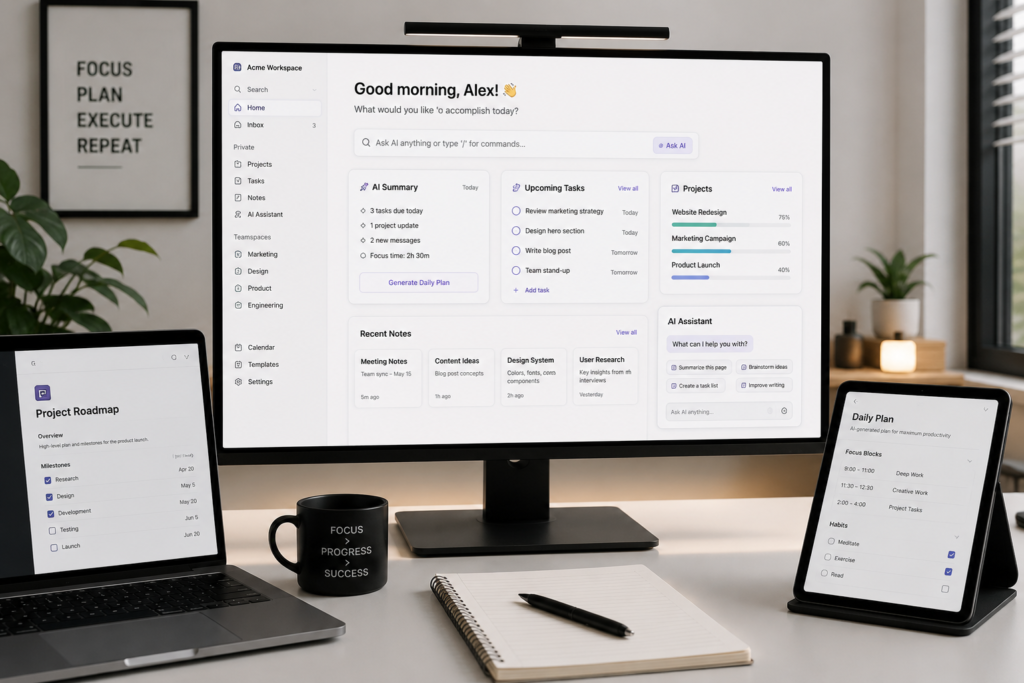
Notion AI combines note-taking, project management, and AI assistance in one platform.
Instead of switching between multiple apps, you can organize tasks, create documents, summarize meetings, and brainstorm ideas in one place.
How It Saves Time
- Summarizes notes automatically
- Generates task lists
- Creates meeting summaries
- Organizes projects efficiently
Best For
- Teams
- Entrepreneurs
- Remote workers
- Students
Time Saved Weekly
1 hour
It eliminates repetitive planning and documentation work.
4. Grammarly AI – Writing Without Mistakes
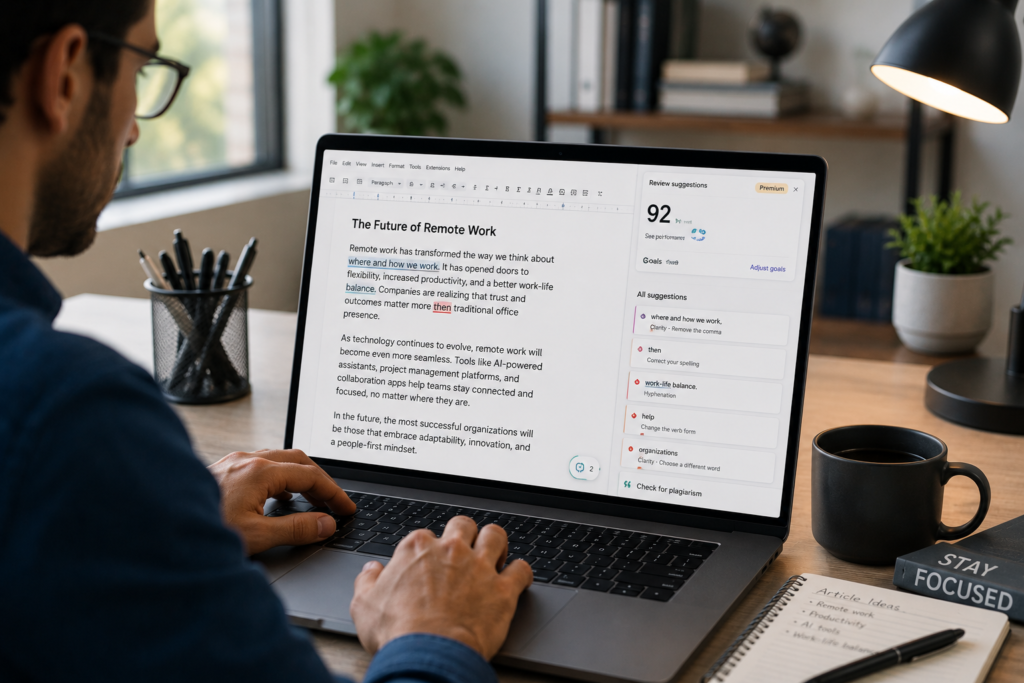
Whether you’re writing emails, reports, blog posts, or social media captions, Grammarly helps improve clarity and professionalism.
The AI checks grammar, tone, readability, and writing quality in real time.
How It Saves Time
- Fixes grammar instantly
- Improves sentence structure
- Adjusts writing tone
- Enhances readability
Best For
- Professionals
- Students
- Writers
- Job seekers
Time Saved Weekly
30 minutes to 1 hour
No more spending hours proofreading your work.
5. Midjourney – AI Image Creation

Need custom images but don’t have design skills? Midjourney generates high-quality artwork from simple text prompts.
Many creators now use AI-generated images for blogs, YouTube thumbnails, advertisements, and branding.
How It Saves Time
- Creates unique visuals instantly
- Eliminates lengthy design processes
- Generates multiple concepts quickly
Best For
- Designers
- Bloggers
- Marketers
- Content creators
Time Saved Weekly
1 to 2 hours
You can create visuals in minutes instead of spending hours searching for stock images.
6. Descript – AI Video and Audio Editing
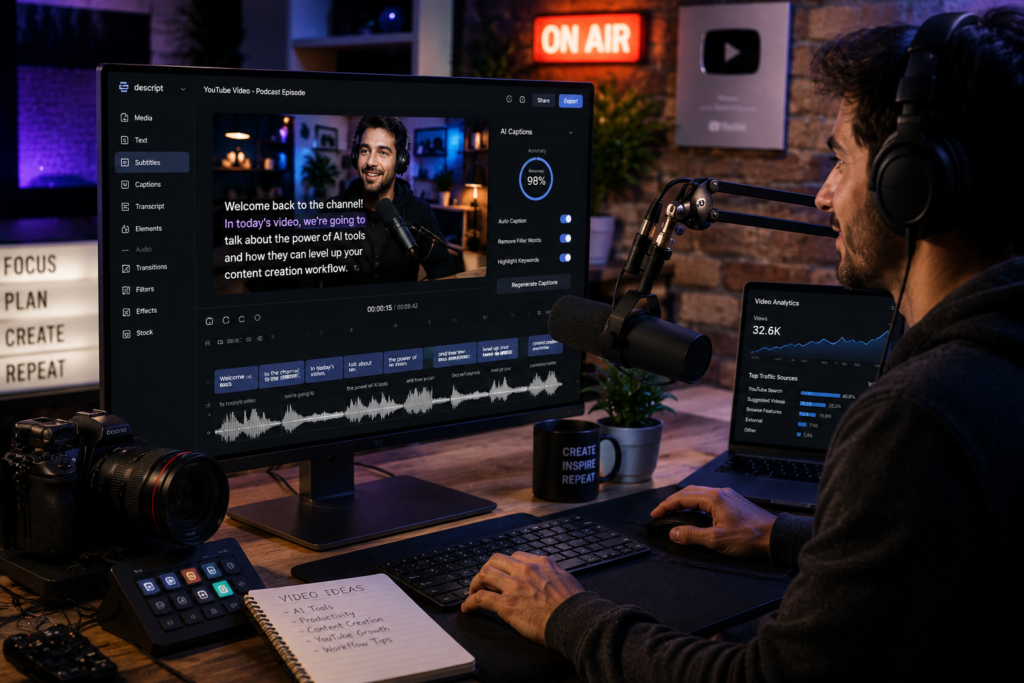
Video content is growing faster than ever, but editing can be time-consuming.
Descript simplifies video editing by allowing you to edit videos like a text document.
How It Saves Time
- Removes filler words automatically
- Creates captions instantly
- Edits audio quickly
- Generates voiceovers
Best For
- Podcasters
- YouTubers
- Content creators
- Educators
Time Saved Weekly
1 to 2 hours
Editing a 30-minute video becomes much faster.
7. Otter AI – Automatic Meeting Notes
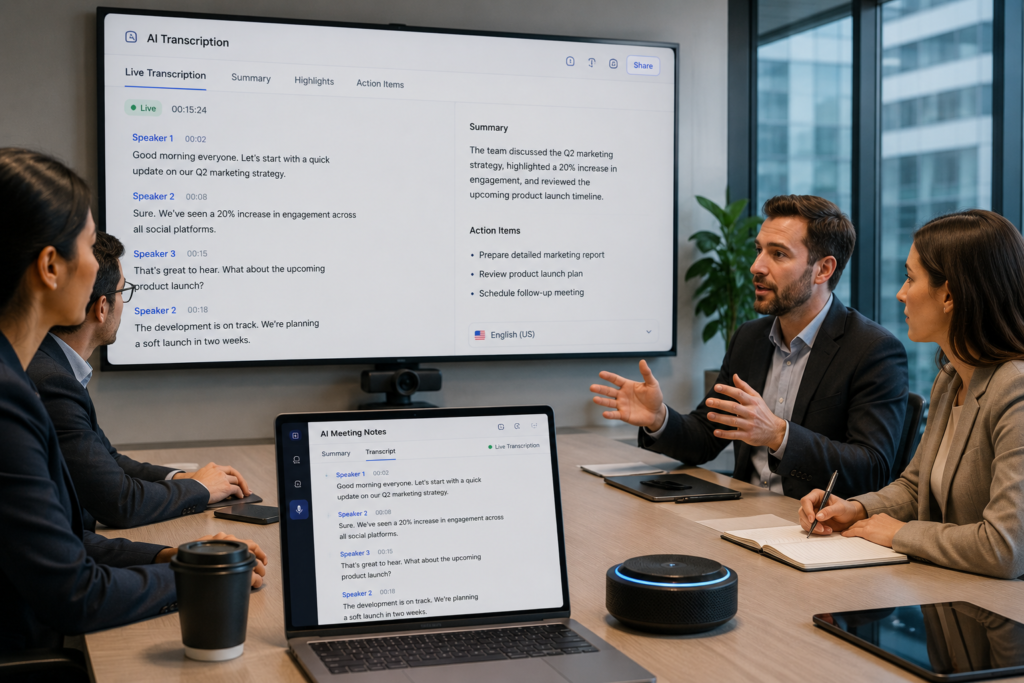
Taking notes during meetings can be distracting and time-consuming.
Otter AI records conversations and creates accurate transcripts automatically.
How It Saves Time
- Records meetings
- Generates transcripts
- Creates summaries
- Highlights key discussion points
Best For
- Teams
- Business owners
- Students
- Remote workers
Time Saved Weekly
1 hour
You can focus on conversations instead of writing notes.
8. Zapier AI – Automate Repetitive Tasks

Zapier connects different apps and automates workflows without coding.
For example, when someone fills out a form, Zapier can automatically send emails, update spreadsheets, and notify team members.
How It Saves Time
- Automates repetitive tasks
- Connects multiple apps
- Reduces manual work
- Improves workflow efficiency
Best For
- Businesses
- Freelancers
- Agencies
- Marketing teams
Time Saved Weekly
2 to 3 hours
Automation works even while you’re sleeping.
Which AI Tool Should You Start With?
If you’re new to AI, start with:
- ChatGPT for writing and research
- Canva AI for graphics
- Grammarly for writing improvement
- Notion AI for organization
These four tools alone can save several hours every week.
As your workflow grows, you can add automation tools like Zapier and content tools like Descript.
Final Thoughts
AI is no longer a futuristic technology. It’s a practical productivity tool that helps people accomplish more in less time.
The professionals who learn to use AI today will have a major advantage tomorrow.
Whether you’re a student trying to study smarter, a creator growing an audience, or a business owner managing multiple tasks, AI tools can help you reclaim valuable hours every week.
Start with one tool, learn it well, and gradually build your AI-powered workflow.
Your future self will thank you for those extra 10 hours every week.